Build Your Own Desktop Voice Assistant in Python: A Comprehensive Guide
Introduction
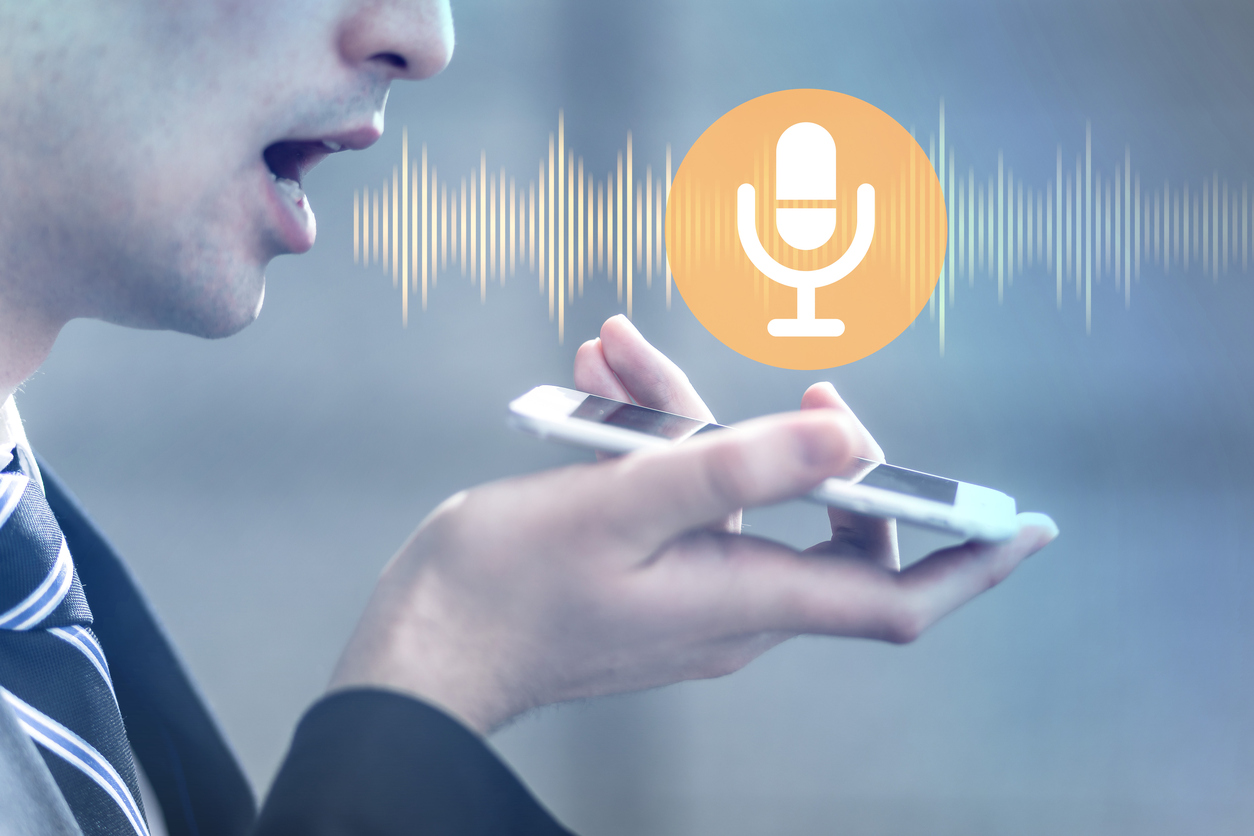
In today‘s digital age, voice assistants have become increasingly popular, revolutionizing the way we interact with our devices. From Apple‘s Siri to Amazon‘s Alexa, these intelligent assistants have made our lives easier by enabling hands-free control and providing quick access to information. But what if you could create your own personalized voice assistant tailored to your specific needs? In this comprehensive guide, we‘ll explore the exciting world of building a desktop voice assistant using Python.
Why Build Your Own Voice Assistant?
Before we dive into the technical details, let‘s discuss the benefits of creating your own voice assistant:
-
Customization: By building your own voice assistant, you have complete control over its functionality and can tailor it to your specific requirements.
-
Privacy: With commercial voice assistants, there may be concerns about data privacy. Creating your own assistant ensures that your data remains secure and under your control.
-
Learning opportunity: Building a voice assistant is an excellent way to enhance your Python programming skills and gain hands-on experience with various libraries and APIs.
-
Cost-effective: Developing your own voice assistant is more cost-effective compared to purchasing expensive commercial solutions.
Prerequisites
To follow along with this guide, you should have the following:
- Basic knowledge of Python programming
- A computer with a microphone and speakers
- Python installed on your system (version 3.6 or higher)
- An internet connection for installing libraries and accessing web services
Setting Up the Development Environment
Before we start coding, let‘s set up our development environment. Follow these steps:
-
Install Python: If you haven‘t already, download and install Python from the official website (https://www.python.org).
-
Create a virtual environment (optional but recommended):
python -m venv myenv source myenv/bin/activate -
Install the required libraries:
pip install SpeechRecognition gTTS wikipedia wolframalpha
Understanding Speech Recognition
Speech recognition is the process of converting spoken words into written text. There are various speech recognition engines available, each with its own strengths and limitations. Some popular options include:
-
Google Speech Recognition: This engine utilizes Google‘s powerful speech recognition capabilities and requires an internet connection.
-
CMU Sphinx: An open-source speech recognition engine that can be used offline, but may require more training data for accurate results.
For this guide, we‘ll be using the Google Speech Recognition engine due to its simplicity and accuracy.
Implementing Speech-to-Text Functionality
To convert spoken words into text, we‘ll use the SpeechRecognition library. Here‘s how to implement speech-to-text functionality:
import speech_recognition as sr

def recognize_speech():
    recognizer = sr.Recognizer()
    with sr.Microphone() as source:
        print("Listening...")
        audio = recognizer.listen(source)

    try:
        text = recognizer.recognize_google(audio)
        print("You said:", text)
        return text
    except sr.UnknownValueError:
        print("Sorry, I could not understand.")
    except sr.RequestError:
        print("Sorry, speech recognition service is currently unavailable.")
In this code snippet, we create an instance of the Recognizer class and use the listen() method to capture audio from the microphone. We then pass the audio to the recognize_google() method to convert it into text. If the speech is successfully recognized, the text is returned. Otherwise, appropriate error messages are displayed.
Implementing Text-to-Speech Functionality
To provide spoken responses, we‘ll utilize the gTTS (Google Text-to-Speech) library. Here‘s how to implement text-to-speech functionality:
from gtts import gTTS
import os

def speak(text):
    tts = gTTS(text=text, lang=‘en‘)
    tts.save("response.mp3")
    os.system("mpg321 response.mp3")
    os.remove("response.mp3")
In this code snippet, we create an instance of the gTTS class, passing the text and language as parameters. We then save the generated audio as an MP3 file and use the os.system() function to play the audio using the mpg321 command-line player. Finally, we remove the temporary audio file.
Natural Language Processing (NLP)
To make our voice assistant more intelligent and capable of understanding user queries, we can leverage Natural Language Processing (NLP) techniques. NLP involves analyzing and deriving meaning from human language. Some common NLP tasks include:
- Tokenization: Breaking down a sentence into individual words or tokens.
- Stemming and Lemmatization: Reducing words to their base or dictionary form.
- Intent Recognition: Identifying the user‘s intention or purpose behind a query.
- Entity Extraction: Extracting relevant information from the user‘s query, such as names, dates, or locations.
Python provides several libraries for NLP, such as NLTK (Natural Language Toolkit) and spaCy. These libraries offer pre-built models and functions for various NLP tasks.
Integrating with Web Services and APIs
To enhance the capabilities of our voice assistant, we can integrate it with various web services and APIs. Some popular integrations include:
- Wikipedia: Fetching information from Wikipedia articles.
- Google Search: Performing web searches and retrieving relevant results.
- Wolfram|Alpha: Accessing computational knowledge and answering mathematical queries.
- Weather APIs: Retrieving current weather information for a specific location.
- News APIs: Fetching the latest news articles based on user preferences.
By leveraging these web services and APIs, our voice assistant can provide more comprehensive and accurate responses to user queries.
Adding Custom Functionality
One of the key advantages of building your own voice assistant is the ability to add custom functionality tailored to your needs. Here are a few examples of custom features you can implement:
-
Personalized greetings: Make your voice assistant greet you by name and provide personalized responses based on your preferences.
-
Task automation: Integrate your voice assistant with other applications or scripts to automate repetitive tasks, such as sending emails or scheduling appointments.
-
Smart home control: Connect your voice assistant with IoT devices to control your smart home appliances using voice commands.
-
Reminders and alarms: Implement a reminder system that allows you to set reminders and alarms using natural language commands.
The possibilities are endless, and you can customize your voice assistant to suit your specific requirements.
Enhancing the User Experience
To create a more engaging and user-friendly experience, consider the following enhancements:
-
Improving speech recognition accuracy: Fine-tune the speech recognition engine by training it with domain-specific data or utilizing advanced techniques like acoustic modeling and language modeling.
-
Handling multiple languages and accents: Implement support for multiple languages and accents to cater to a wider user base.
-
Adding visual feedback and animations: Incorporate visual elements, such as a user interface or animations, to provide a more immersive experience.
-
Implementing a graphical user interface (GUI): Create a graphical interface that complements the voice interaction, allowing users to interact with your assistant using both voice and visual controls.
Deployment and Distribution
Once your voice assistant is ready, you may want to deploy it and distribute it to users. Here are a few options:
-
Converting the Python script to an executable file: Use tools like PyInstaller to package your Python script into a standalone executable that can be run on different systems.
-
Packaging the voice assistant for different platforms: Create platform-specific packages or installers for Windows, macOS, or Linux to facilitate easy installation and distribution.
-
Distributing the voice assistant to users: Share your voice assistant through various channels, such as GitHub, personal websites, or app stores, to make it accessible to a wider audience.
-
Updating and maintaining the voice assistant: Regularly release updates and bug fixes to ensure the smooth functioning and compatibility of your voice assistant with the latest technologies and libraries.
Future Enhancements and Possibilities
The field of voice assistants is constantly evolving, and there are numerous possibilities for future enhancements. Some areas to explore include:
-
Integrating with IoT devices and smart home systems: Expand the capabilities of your voice assistant by integrating it with IoT devices, allowing users to control their smart home appliances using voice commands.
-
Implementing machine learning for improved performance: Leverage machine learning techniques to enhance the accuracy and efficiency of your voice assistant. This can include natural language understanding, sentiment analysis, and personalized recommendations.
-
Exploring advanced NLP techniques: Dive deeper into NLP by incorporating techniques like sentiment analysis, named entity recognition, and topic modeling to provide more contextual and meaningful responses.
-
Collaborating with the open-source community: Engage with the open-source community to contribute to existing projects, share your knowledge, and learn from others in the field of voice assistants and natural language processing.
Conclusion
Building your own desktop voice assistant using Python is an exciting and rewarding project that combines the power of speech recognition, natural language processing, and web services. By following this comprehensive guide, you now have the knowledge and tools to create a personalized voice assistant tailored to your needs.
Remember, the possibilities are endless, and you can continually enhance and expand the capabilities of your voice assistant. Don‘t hesitate to experiment, explore new ideas, and customize your assistant to suit your preferences.
To further deepen your understanding and skills, consider exploring additional resources such as online tutorials, documentation, and open-source projects related to voice assistants and natural language processing.
So, what are you waiting for? Start building your own desktop voice assistant today and unleash the power of voice-controlled interactions!