
Why Creators Love Filmora for Mac: Pro-Level Features & Smart AI Tools
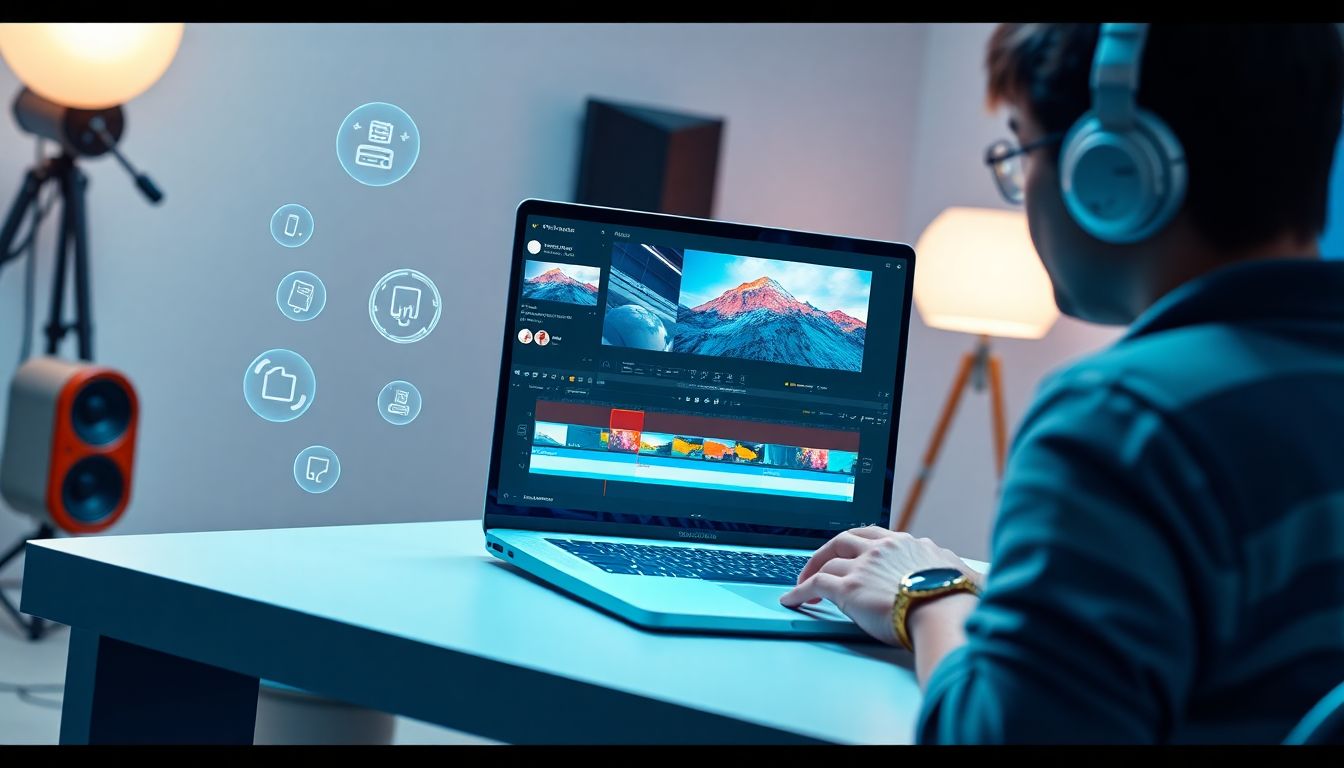
Check out the powerful new AI features of Filmora for Mac to revolutionize video editing on macOS, saving you time and boosting quality.
If you're a Mac creator who loves making videos, you know how much smoother the whole process is when you have the right tools. Macs are awesome for creative projects, but finding a video editor for Mac that’s powerful without being a total headache to learn. This can be a real search.
That's why Filmora for Mac has become such a popular choice. It’s a super capable video editing software for Mac that feels great to use, handles the technical stuff like a pro, and even brings in smart AI to seriously speed up your workflow.
Let's dive into what makes Filmora for Mac such a favorite.
Part 1: Pro Editing Capabilities That Set Filmora for Mac Apart
Making your videos look and feel great involves a bit of tech under the hood. When you're handling video, especially high-quality footage, your software needs serious horsepower. Nobody enjoys choppy playback or watching that export bar crawl endlessly.
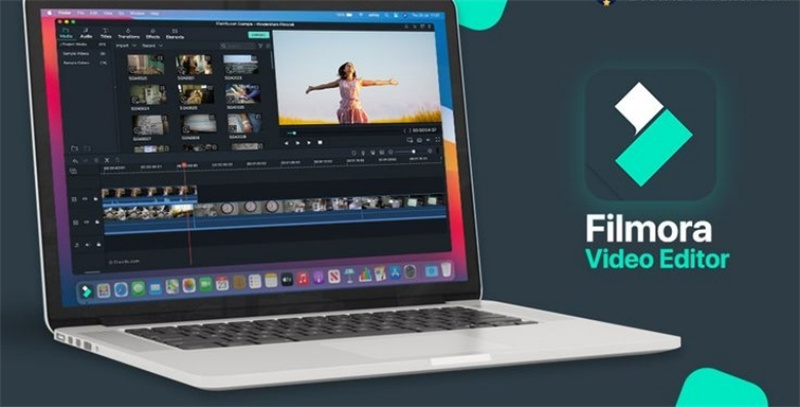
Filmora for Mac isn't just about having a nice-looking interface; it's built to work smoothly and efficiently with your Mac hardware. It handles the heavy lifting so you can stay focused on your creative ideas.
Here are some of the professional-grade features built into Filmora for Mac that give you a noticeably better editing experience:
- Official Apple ProRes Certification
This is fantastic for quality. ProRes is Apple's own high-quality video format, widely used because it looks great and is easy for computers to handle during editing. Filmora officially supports ProRes both when you bring footage in and when you export your final video. This means your video keeps its crisp look throughout the whole process.
- Dolby Vision Support
Make your videos pop with amazing colors and contrast using Dolby Vision HDR right in Filmora for Mac. This powerful tech lets you create an incredible, lifelike viewing experience on devices that support it.
- Metal Rendering Engine
This is where things get fast. Filmora uses Apple's Metal technology to talk directly to your Mac's graphics card. The result? Faster previews, quicker application of effects, and speedier exports. Less waiting means more doing!
- P3 Wide Color Gamut
Modern Macs have displays that show a wider range of colors (called the P3 gamut). Filmora is designed to work within this space, meaning the colors you see while editing is super accurate and vibrant. What you see is what your viewers will get on their P3-compatible screens.
- Optimized for MacOS
Filmora feels right at home on a Mac because it was built specifically for it. This means it runs reliably, integrates well with the system, and the interface feels natural. It's a stable and efficient video editor mac because it's made for your machine.
These aren't just tech specs; they translate into a more reliable, faster, and higher-quality editing experience. It means your video editing software for Mac is ready for more demanding tasks whenever you are.
Part 2: Integration of AI into Video Editing Workflow
Let's be real, some parts of editing can feel like a total chore. You know, digging through tons of footage to find that one perfect shot, typing out captions word by word, or cleaning up annoying background noise — it eats up time!
The good news is that Artificial Intelligence is stepping in and genuinely changing the game. Think of AI not as a replacement, but as your super-smart co-editor, handling the less exciting, repetitive stuff.
Here’s how AI is really changing things up in your editing workflow:
- Automating the Boring Bits: AI tackles the tedious tasks that used to take forever, like generating captions automatically or quickly finding key moments in your video.
- Your Intelligent Partner: It works right alongside you, offering smart suggestions and making powerful tools way easier to use.
- More Time for Creativity: By taking the manual work off your plate, AI gives you back precious time and energy to focus on what really matters—telling your story and adding your unique creative touch.
This is a significant shift. Instead of getting bogged down in tedious steps, AI allows you to get to the creative heart of your project faster.
Filmora for Mac is embracing this, packing in smart AI tools specifically designed to streamline your workflow, make editing easier, and help your videos look more polished than ever. Let's check out some of those clever features.
Part 3: Filmora’s Smart AI Features that Turn Good Videos into Polished Visuals
Filmora for Mac packs a punch with its AI features. They're built right into the software, designed to make tough tasks simple and unlock new creative ideas.

You don't need to be a tech wizard to use them—they just make editing faster and help you get a more polished result. Here are some of the smart AI tools you'll love in Filmora for Mac:
- Social Content Planner
Ever stuck on what video idea to tackle next for social media? This AI helper can brainstorm concepts and even suggest structures and hashtags for platforms like TikTok or Instagram. It’s like having a content strategist in your editor!
- Smart Short Clips
Filtering through hours of footage to find the best bits is tedious. This AI tool automatically analyzes your video and pulls out the highlights, creating ready-to-go short versions. Perfect for quickly making social media teasers or recaps.
- AI Video Denoiser
Did you get some grainy footage from shooting in low light? The AI Denoiser intelligently cleans it up, reducing visual noise and making your video look clearer and more professional.
- AI Portrait Cutout
Want to remove the background behind a person without using a green screen? This AI tool can automatically detect people and cut them out from the background accurately, opening up tons of creative possibilities for effects and overlays.
- Automatic Captions
Manually typing out captions is probably one of the most time-consuming tasks. Filmora’s AI listens to your video's audio and generates captions automatically in seconds. Just a quick review and edit, and you’re done! Essential for accessibility and boosting views on social media.
- AI Video Translation
Reaching viewers who speak different languages is easy after generating captions. Filmora can use AI to translate your captions into various languages, helping your content connect with a wider audience globally.
- AI Text-to-Video
Have a script or an idea you want to visualize quickly? This unique AI feature can take your text and help generate a video using stock media. It’s a great way to kickstart explainer videos or quickly bring a concept to life.
These AI tools are built into Filmora for Mac specifically to help you. They handle the repetitive or complex parts so you can focus on the fun part—the creativity that makes your video unique. They genuinely speed up your workflow and help you get that polished, professional look more consistently.
Conclusion
For Mac creators who want a powerful, reliable, and genuinely smart video editor for Mac, Filmora for Mac is an excellent choice. It brings together robust technical performance optimized for macOS with intuitive AI features that save you time and open up new creative avenues.
If you’ve been looking for videoediting software for Mac that feels good to use, helps you work faster, and lets you achieve higher-quality results without a steep learning curve, give Filmora a try. It’s ready to help you create.


