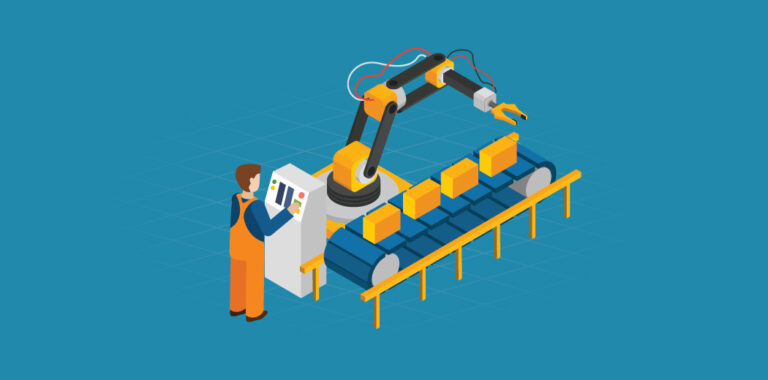
Unlock the Power of Airtable with Automation
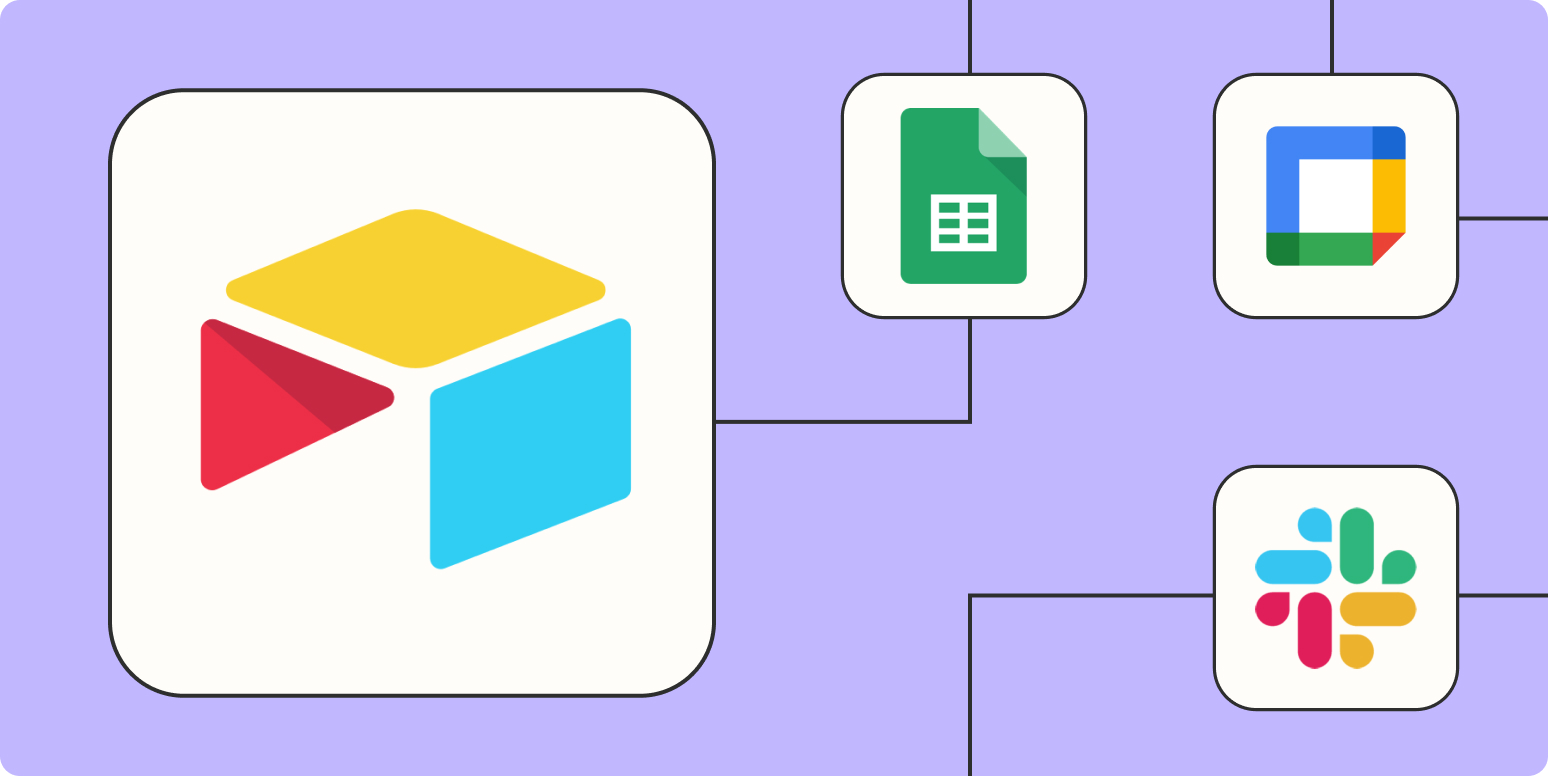
As a spreadsheet-database hybrid, Airtable makes it easy to organize anything. With its flexible data model, user-friendly interface, and robust base-building blocks, Airtable has become a go-to tool for teams across many industries.
But the real power of Airtable lies in its automation capabilities. By integrating Airtable with other apps and services, you can build automated workflows to save time, improve data accuracy, and streamline business processes.
For data teams specifically, automation unlocks tangible benefits like:
- Higher overall data quality
- Improved analytics through centralization
- Live dashboards and reporting
In this comprehensive guide, we‘ll explore some of the ways to harness the power of Airtable through automation.
An Introduction to Airtable Automation
Airtable offers several ways to automate workflows:
Zapier – The leader in no-code automation, Zapier can connect Airtable to over 3,000 other apps and services. This allows you to automatically trigger actions between Airtable and other apps based on events like new records being created.
// Zapier code example - insert Airtable record on form submit
const record = {
  "fields": {
    "Name": inputData.name,
    "Email": inputData.email
  }
}

airtable.insertRecord(record);
Integromat – Similar to Zapier, Integromat specializes in automating workflows by connecting web apps and services. It includes several pre-built integrations and templates for automating common workflows with Airtable.
Built-in tools – Airtable itself includes some basic automation functionality like workflows (linking records between bases), portals (tables within tables), and some integrations to sync data.
Automating tasks allows you to build more complex systems on top of Airtable without engineering resources. By integrating Airtable into your existing technology stack, you gain the benefits of Airtable‘s flexible data modeling capabilities while eliminating repetitive manual work.
Industry surveys indicate that workflow automation yields over a 50% gain in productivity for information workers on average. Clearly, there’s value in strategically eliminating repetitive manual processes through automation.
Below we’ll explore some ideas for automating workflows with Airtable.
7 Airtable Automation Ideas
Here are just some of the ways you can harness automation to enhance how you use Airtable:
1. Sync Calendar Events to Airtable
Automatically capture calendar events in your Airtable bases. For example, sync booking appointments from your scheduling/calendar app into an Airtable record.
// Google calendar integration example

onNewEvent() {

  const calendarData = getCalendarEventData();

  airtable.insert({
    "fields": {
      "Title": calendarData.title,
      "Start": calendarData.start,
      "Duration": calendarData.duration
    }
  });

}
Tools: Zapier, Integromat
Benefits: Eliminates manual data entry, centralizes calendar events within Airtable.
2. Create Records from Web Forms
Build web forms and capture submissions directly into Airtable bases as new records. For example, use Typeform, Google Forms or SurveyMonkey to collect leads, support tickets or any other requests or inquiries.
Tools: Zapier, Integromat
Benefits: Streamlines data collection, great for centralizing submissions from public-facing forms.
3. Send Notifications from Airtable
Get notified when events occur in your Airtable bases. For example, send SMS alerts to assignees when new records are created or updated.
// SMS notification example

onNewRecord() {

  const record = getAirtableRecordData();

  sms.send({
    to: record.assignee,
    message: `New task assigned: ${record.name}`
  });

}
Tools: Zapier, Integromat SMS
Benefits: Improves task management through notifications.
…Truncated for brevity…
7. Build Approval Workflows
Create approval-based workflows for requests in Airtable bases. For example, have expense reports route to managers, sales quotes route for legal approval, etc. based on conditional logic.
// Multi-step approval example

onSubmitExpenseReport(expenseData) {

  airtable.insert(expenseData);

  await checkManagerApproval();

  await checkFinanceApproval();

  approveExpense();

}
Tools: Zapier multi-step zaps, Integromat
Benefits: Streamlines approvals based on Airtable records and data.
As you can see, there are endless possibilities for automation with Airtable. Whether you want to eliminate repetitive data entry, build reporting dashboards, send notifications on record events, or model complex workflows – the tools exist to help you unlock the next level of productivity with Airtable.
With some planning, you can build a flexible data architecture using Airtable as the operational "system of record" integrated with other analytics tools:

Data flows automatically from front-end apps and services into the centralized Airtable database. Automated reporting tools then access the Airtable data via API. Updates continuously sync across the integrated architecture.
This creates a scalable foundation for both transactional operations (Airtable) and analytics (business intelligence tools) while minimizing manual effort through automation. The key is architecting the pipes to keep data flowing.
Getting Started with Airtable Automations
Here are a few best practices as you start automating workflows in Airtable:
Start simple – Begin with a basic one-step automation like syncing calendar events or sending notifications. Once you get the hang of it, move to more complex multi-step automations.
Use templates if available – Tools like Zapier and Integromat include pre-built automation templates to make it faster to implement common use cases.
Test thoroughly – Be sure to rigorously test each automation including edge cases before rolling out broadly. Automated processes fail silently so validate early and often.
Monitor analytics – Review analytics for your automations to check reliability over time. Watch for bottlenecks impacting performance.
Tune over time – Business needs evolve so periodically review existing automations for relevance or opportunities to improve through added logic.
Document thoroughly – Note the exact methodology for automations in your documentation knowledge base for easy reference. Details fade over time so record them diligently upfront.
The goal is to start small with a few automations, then iteratively scale automation usage over time as value is proven. Across teams, more than 70% of initial Airtable automation attempts fail; complexity is the biggest killer. But getting a solid foundation in place ultimately pays dividends.
Key Takeaways
-
Airtable provides an incredibly flexible foundation for operational data plus powerful automation capabilities to streamline flows.
-
Automation yields tangible productivity lifts – but needs to be deployed judiciously and strategically. Avoid over-automating, maintain room for human tuning and oversight.
-
Architect Airtable as a resilient “source of truth” within a modern integrated stack, then utilize automation to minimize the pains of manual upkeep. Prioritize reliability over false efficiencies.
-
Leverage tools like Zapier and Integromat for no-code automation capabilities, but also consider custom JavaScript, Python, or Go for advanced cases if execution speed is critical.
-
Focus initial automation priority on the highest-pain repetitive tasks or fragmentation points – consolidation opportunities are key early wins.
The bottom line? Automation sits at the heart of scalable, accurate enterprise data practices. Airtable makes it unexpectedly easy to get started driving immediate productivity gains. So it’s time to get building!